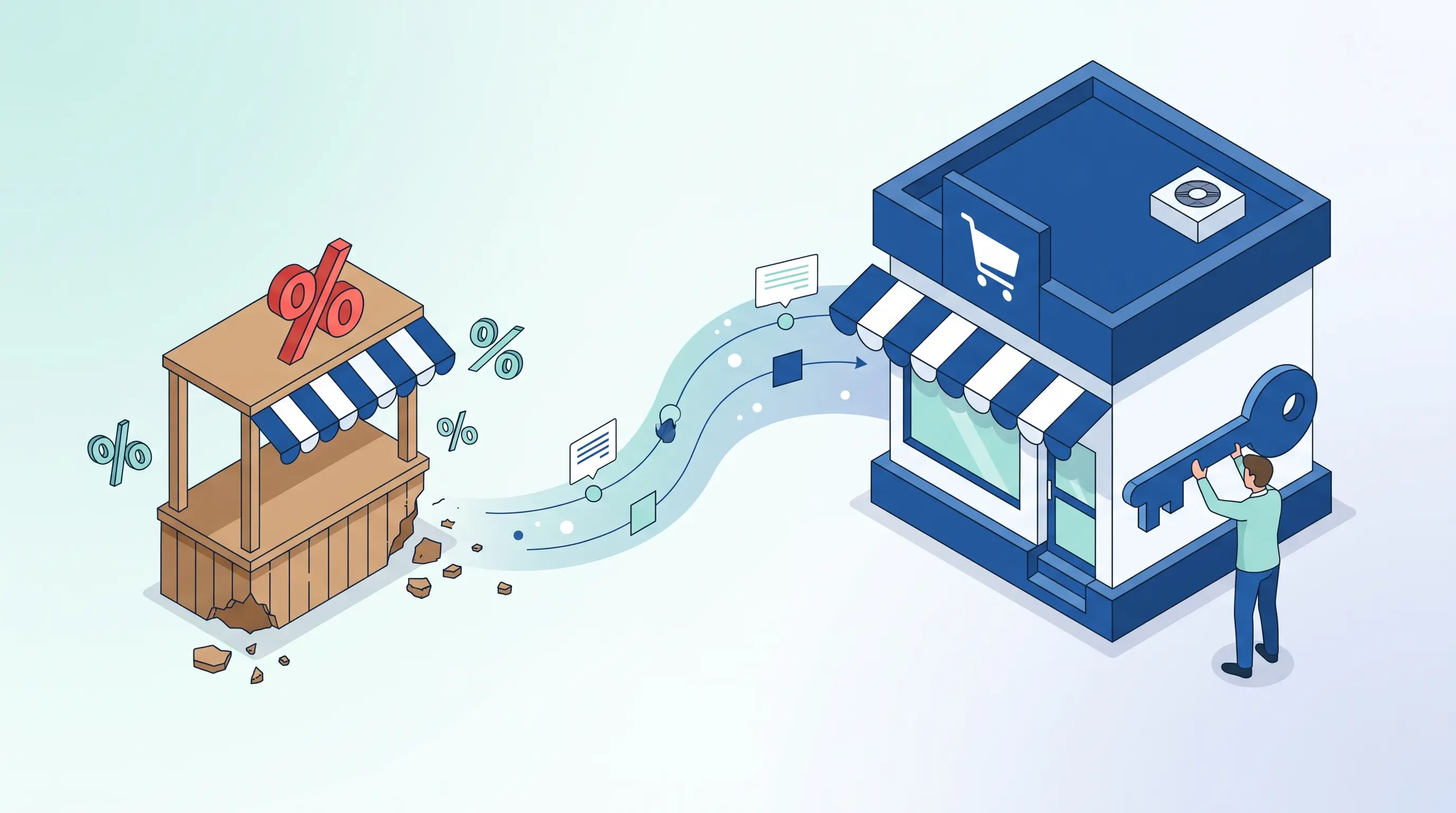
The short answer to the pre-built theme vs. custom design question on Shopify is this: for businesses opening their first store and still testing product-market fit, a pre-built theme is the right starting point; for businesses with steady monthly sales who want to differentiate their brand from competitors and systematically increase their conversion rate, custom design is an investment that pays for itself. Between the two sits the hybrid model — the most sensible path for the majority of SMEs in Turkey — taking a quality pre-built theme as a foundation and professionally customising the touchpoints that matter most for brand and conversion. In this guide, we'll clarify the decision step by step across four axes: budget, urgency, brand differentiation, and conversion goals.
Shopify's theme store has hundreds of options, and the internet offers thousands of "best themes" lists — yet the decision never seems to get easier. That's because the real question isn't "which theme looks better" but "where should I put my money and time right now to generate sales?" In an environment where the cost of an ad click rises every year, every visitor to your site becomes more valuable, and design is increasingly one of the most important levers for converting those visitors into customers. If you haven't set up your store yet, you may want to start with our step-by-step Shopify store setup guide; this article focuses on the junction most people get stuck on along that journey.
Quick Decision Framework: Which Option for Which Situation?
Before diving into the details, let's share the practical framework we've found to work across the Shopify projects we manage. Place yourself in one of the three profiles below; the rest of the article will help you solidify that decision.
- Choose a pre-built theme: You're opening your store for the first time, haven't yet proven product-market fit, and your priority for the first 6–12 months is to launch quickly and gather real customer data. At this stage, the bulk of your budget should go toward product, inventory, photography, and ads — not design.
- Consider custom design: You have steady monthly revenue, meaningful traffic levels, your brand needs to stand out from competitors, and you're actively running into the limits of a pre-built theme (structure, speed, custom sales flows). Even small increases in conversion rate produce a big difference in revenue.
- Choose the hybrid model: You're somewhere in between — you have sales, but a full custom design budget feels heavy. Take a quality paid theme as your base and customise the sections that drive the most conversions: the homepage, product page, and brand identity. For most businesses, this offers the best price-to-performance ratio.
Now let's put each option on the table with its strengths and limitations, because the cost of this decision isn't just the money you pay today — it's the orders you miss or win over the coming year.
Pre-Built Themes: Strengths and Limitations
When we talk about pre-built themes on Shopify, there are two groups: free themes developed by Shopify itself (like Dawn) and paid themes sold on the official theme store with a one-time licence. As of 2026, paid themes typically run in the 100–400 USD range as a one-time purchase — no monthly fees, and theme updates are included in the licence. This means a ready-made infrastructure refined by real sales data and used by tens of thousands of stores around the world.
The strengths of pre-built themes
- Speed: With well-prepared content, you can go live in 1–3 weeks. If a peak season is approaching or you have inventory ready to sell, this advantage alone can make the decision.
- Low start-up cost: A theme licence is a small fraction of a custom design budget. You can invest the difference in ads and product photography.
- Proven user experience: The product page, cart, and navigation patterns of popular themes have been tested across thousands of stores. Many details that could be set up wrong in a custom design come pre-solved in a pre-built theme.
- Section-based editing: Modern Shopify themes let you add and remove sections with drag-and-drop logic; you can restructure your homepage without any coding knowledge.
- Continuous updates and compatibility: When Shopify changes something on the platform side, the theme developer releases a compatibility update; popular apps are also tested against these themes first.
- Mobile-friendly out of the box: The vast majority of e-commerce traffic in Turkey comes from mobile; quality pre-built themes resolve the mobile experience from the start.
The limitations of pre-built themes
- Sameness: Hundreds of stores use the same theme. Swapping the logo isn't enough to build a brand; even if visitors don't consciously notice, the "I've seen this somewhere before" feeling weakens trust and memorability.
- Feature bloat: Themes come loaded with hundreds of features to appeal to everyone; features you don't use still load as code and can drag down page speed.
- Customisation ceiling: Beyond a certain point, every new requirement calls for either an app (monthly subscription) or intervention in the theme's code. As patches accumulate, theme updates become risky.
- Turkish localisation rough edges: Translations are often added as an afterthought in many themes; details like "Added to cart" messages, shipping and return texts, date and currency formats need to be reviewed manually, or you end up with a half-English store.
- Single-store licence: Paid themes are typically licensed for a single store; a second store requires a separate licence.
Let's be honest here: a pre-built theme is not a "bad" choice. A straightforward theme backed by good product photography and compelling copy will make sales; even the most expensive custom design won't sell a product that isn't presented well. The problem doesn't lie in the theme itself — it shows up in the mismatch between the theme and the stage your business is at.
When Does Custom Design Pay Off?
The maths of custom design runs on traffic. Let's look at a simple hypothetical: a store with 20,000 monthly visitors and a 1% conversion rate generates 200 orders per month; at an average cart value of 1,500 TL, that's 300,000 TL in monthly revenue. If design and UX improvements push the conversion rate to 1.3%, the same traffic and the same ad budget produces 60 extra orders per month — an additional 90,000 TL in revenue. The numbers differ for every business, but the logic is the same: custom design is a luxury at low traffic, a lever at high traffic.
Typical situations where custom design pays for itself:
- When brand differentiation affects pricing: For premium-positioned brands that want to compete on value rather than price, the site experience is part of price perception. Defending a premium price on a site that looks like a marketplace listing is an uphill battle.
- When custom sales flows are required: Bundle sales, subscription models, product configurators, sample requests, and made-to-measure production don't fit within the standard patterns of pre-built themes; trying to solve these with a stack of apps is both costly and fragile.
- When you're blending content and commerce: For brands that sell through guide content, campaign pages, and storytelling, template page layouts quickly fall short.
- When speed is critical: A lean theme written from scratch carries no unused features, and when built correctly can be noticeably faster than a pre-built theme.
The most common situation we see with our clients is this: a business started with a pre-built theme, grew, added an app for every new need; two years later they have swelling monthly app bills, a slower site, and a patched-together structure that's too risky to update. Those who switch to custom design at this point are buying not just design, but also savings on app costs, speed loss, and operational headaches.
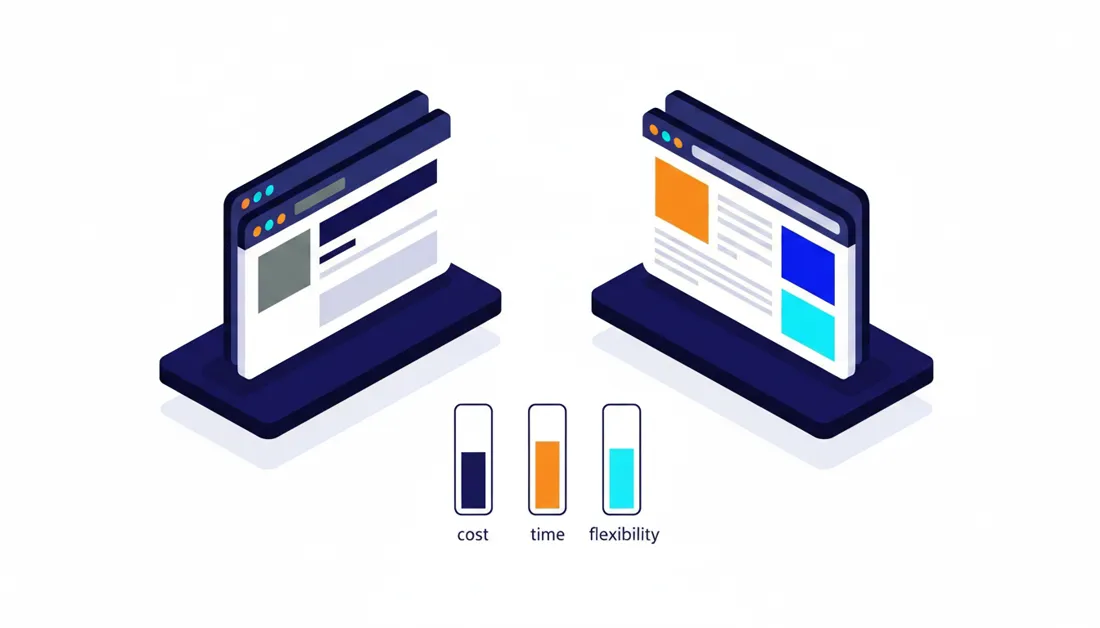
Cost and Timeline Comparison (Turkey, 2026)
An important caveat first: the figures below are not commitments — they are the broad ranges we see in agency and freelancer quotes in the 2026 Turkish market. The total changes significantly depending on page count, language support, integrations (ERP, e-invoice, shipping, marketplace) and who produces the content. Also factor in currency impact, since theme licences are USD-based.
| Approach | Typical start-up cost | Typical timeline | Best suited for |
|---|---|---|---|
| Free pre-built theme (self-setup) | 0 TL + Shopify subscription and your own time | 1–2 weeks | New venture testing an idea |
| Paid pre-built theme (self-setup) | One-time theme licence: approx. 100–400 USD | 1–3 weeks | Those who want a more polished look on a limited budget |
| Pre-built theme + professional setup and customisation | Approx. 25,000–90,000 TL (depending on scope) | 2–5 weeks | SMEs with existing sales who need a fast but branded solution |
| Fully custom design + development | Approx. 100,000–400,000 TL and above | 6–12 weeks | Those with proven revenue and strong brand ambitions |
Don't overlook two cost items the table doesn't show. First, ongoing costs: app subscriptions, maintenance, and minor development continue in every scenario; with custom design, app expenses typically fall but maintenance responsibility increases. Second, opportunity cost: a custom design project that takes three months means forgoing the sales you could have made with a pre-built theme during those three months. To get a realistic scope and budget framework for your own project, our free analysis wizard will produce a personalised roadmap in a few questions. We've compiled all the cost items in e-commerce separately in our e-commerce site launch cost guide.
The 4 Axes to Evaluate Before Deciding
The table gives you a rough sense of where you stand; the final decision sharpens when four axes are evaluated together.
1. Budget: Where do you sit in the overall picture?
Evaluate your design budget not in isolation but as part of your total start-up budget. For a newly launched store, a significant portion of the money should go toward inventory, product photography, and the initial advertising period. The most common mistake we see is investing the entire budget in the site and having nothing left for ads — the result is a beautifully polished store with zero visitors. That said, an established business still hunting for the cheapest solution may be silently paying through the nose in lost conversions month after month.
2. Urgency: Who is the calendar waiting for?
If you need to hit a seasonal deadline — Ramadan, back to school, the November campaigns — and you don't have 2–3 months for development, the right answer is almost always to launch with a pre-built theme and plan the custom design for after the season. A custom design project squeezed under time pressure is the most well-known recipe for exhausting both sides and leaving work unfinished.
3. Brand differentiation: How quickly does your product give itself away?
If what you sell is a product found everywhere, competing on price, the customer is won over by price, delivery speed, and trust before design comes into the picture — a pre-built theme plus solid operations is enough. If your product is niche, has a story, and is positioned as premium, the site experience is the brand itself; an undifferentiated storefront drags down the perceived value of the product along with it.
4. Conversion goal: Do you have data to optimise against?
A conversion-focused redesign is only well-aimed if you have traffic and behavioural data to analyse. With a few hundred monthly visitors you can't reliably measure which design converts better. If your traffic is low, invest in traffic first (ads, SEO, content); as data accumulates, your design decisions move from guesswork to evidence.
The Hybrid Path: Pre-Built Theme + Professional Customisation
This is the model we recommend to most businesses: combining the best of both worlds while filing down the weak points. The way we structure our Shopify store setup service is built on exactly this logic — a tested theme skeleton with a brand-specific layer on top. The sequence works like this:
- Choose the right theme: Pick a regularly updated paid theme that fits your catalogue size (10 products and 1,000 products have different needs), your visual weight, and your content plan. Don't judge by the demo — look at how it will handle your own products.
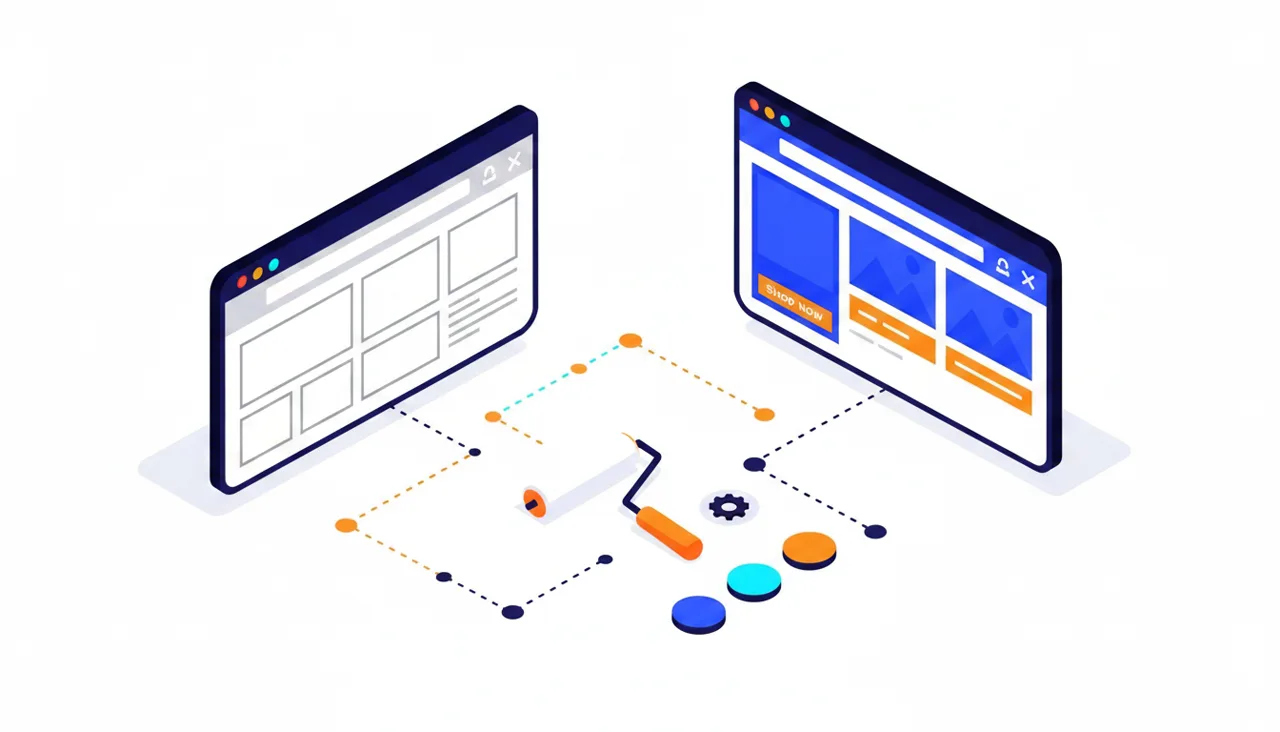
- Apply the brand layer: Typography, colour palette, button language, and photography standards are lifted out of the theme defaults and tied to your brand identity. The reason most stores "look like a pre-built theme" isn't the theme — it's launching with default settings.
- Rethink the homepage: The hero banner, collection showcase, social proof, and campaign blocks are replaced with sections designed specifically for your brand.
- Strengthen the product page: Benefit-focused description blocks, trust signals (returns, shipping, instalment options), FAQs, and a review section are added; this is the page where the purchase decision is made.
- Prefer code over apps: For small needs (labels, countdown timers, simple rules), a one-time custom code solution is usually cheaper and faster than a monthly-subscription app. Every app adds a recurring cost to both your budget and your page speed.
- Verify speed and measurement: Before launch, check speed scores, the mobile experience, and GA4 event setup; you can only know what you've improved if you measure it.
An honest note: Shopify's checkout is limited in how much it can be customised on standard plans — advanced settings beyond basics like logo and colour belong to higher-tier plans. For this reason, the most realistic strategy is to concentrate conversion improvements on the product page and cart, while keeping the checkout as clean and simple as possible.
Regardless of Theme Choice: Conversion-Focused Design Principles
Whether you go with a pre-built theme or commission a custom design, the principles that drive sales are the same. Across the accounts we manage, these are the areas that touch conversion the most:
- Speed: A slow-loading page loses a visitor before they even see the product. Image sizes, unused theme features, and app payload are the first places to look; our PageSpeed Insights guide points the way for measurement and improvement.
- Mobile-first: Admiring a design on desktop and neglecting to test it on mobile is a classic trap. The vast majority of traffic in Turkey comes from mobile; button sizing, a sticky cart button, and form simplicity are won or lost on mobile.
- Trust signals: Clear return policy, delivery timeframe, secure payment logos, a real address and phone number. A visitor who doesn't know you will look for these clues before handing over their card details.
- Product page anatomy: Multi-angle and zoomable photography, a benefit-led headline, clarity on stock and delivery, social proof, and a single clear call to action.
- Friction-free cart-to-checkout flow: Don't spring surprise costs on customers; show shipping fees and any free-shipping threshold in the cart. We covered this topic in full in our cart abandonment reduction guide.
We laid out the systematic application of these principles, the testing framework, and prioritisation in our conversion rate optimisation (CRO) guide across 14 tactics; whatever theme decision you make, read that article as the natural follow-on to this one.
Design Notes for Sellers in Turkey
Shopify is a global platform; selling in Turkey means consciously addressing local realities on the design and setup side:
- Price display: Your prices should appear clearly as VAT-inclusive figures in TL format; thousands separators and decimal/kuruş display need to be reviewed in the theme's currency settings.
- Payment experience: The appearance of virtual POS (payment gateway) integrations like iyzico and PayTR at checkout — and especially the communication of instalment options on the product page or in the cart — directly affects conversion in Turkey. For the commission side, see our virtual POS comparison article.
- Shipping expectations: Correctly setting up desi (volumetric weight)-based shipping pricing, displaying partner shipping carrier logos, and clearly showing estimated delivery times builds trust. Customers accustomed to Trendyol and Hepsiburada expect fast delivery and easy returns; if your own site isn't equally clear, trust suffers.
- KVKK and legal texts: Setting up membership, newsletter, and cookie consent flows in compliance with KVKK, and linking the distance sales agreement and pre-information form into the checkout flow, is part of the design — not an afterthought. Text boxes bolted on later compromise both the experience and the legal safeguards.
- Turkish language consistency: Button and notification texts that get overlooked in pre-built themes ("Added to cart," stock alerts, error messages) need to be checked one by one; a half-English store reads as a half-finished job in the customer's eyes.
Shopify's payment, commission, tax, and shipping landscape in Turkey is a topic in its own right; we've collected the details in our Is Shopify viable in Turkey? article. If you haven't yet settled on a platform, our ikas vs. Shopify comparison will also be useful.
Moving from Pre-Built Theme to Custom Design: Signals That the Time Is Right

Starting with a pre-built theme doesn't mean staying on one forever. If you're experiencing two or three of the following signals simultaneously, custom design is no longer a luxury — it's the next logical step:
- Your app count keeps growing; total monthly app bills are approaching what a one-off custom development would cost.
- You're avoiding theme updates because they break your customisations, which compounds your security and compatibility risk.
- Your conversion rate has plateaued; the CRO ideas you want to test keep running into the theme's structural limits.
- Your catalogue and brand have grown; campaign pages, collection stories, and content needs have outgrown what the templates can handle.
- Your speed scores are dropping under app and feature load, and basic fixes are no longer making a difference.
- The pages your ads lead to look the same as your competitors'; you're getting clicks but not staying memorable.
When planning the switch, know this: changing themes on Shopify doesn't touch your products, orders, or URL structure; content and addresses are preserved on the SEO side. What changes are the templates, speed profile, and structured data — so measure before and after launch, keep the old theme as a backup, and schedule the switch outside your peak campaign periods. A well-executed transition brings zero customer disruption; they simply find your store faster and more authentically yours one day.
Common Mistakes and a Final Word
Finally, let's list the mistakes we see most often with our clients when making this decision; if even one of these is prevented, this article has done its job:
- Treating design as a one-off project: Store design is not a task that ends at launch — it's a process fed by data. A "set it and forget it" mindset leads to another large expense two years down the line.
- Deciding based on demo content: Themes look stunning with professional demo photography. Make the call by testing with your own product photos and real copy.
- Bloating the theme with apps: Not every problem calls for a new app; subscriptions pile up and speed drops. First explore the theme's own features and small code adjustments.
- Forcing the checkout: Trying to deeply customise the checkout page on standard plans hits a wall; spend your energy on the product page and cart instead.
- Skipping the photography investment: Even the most expensive design can't save poor product photos. In the budget pecking order, photography comes before the theme.
- Redesigning without measurement: A redesign done without measuring the baseline will always be a matter of debate, not data. GA4 and conversion tracking are prerequisites for every scenario.
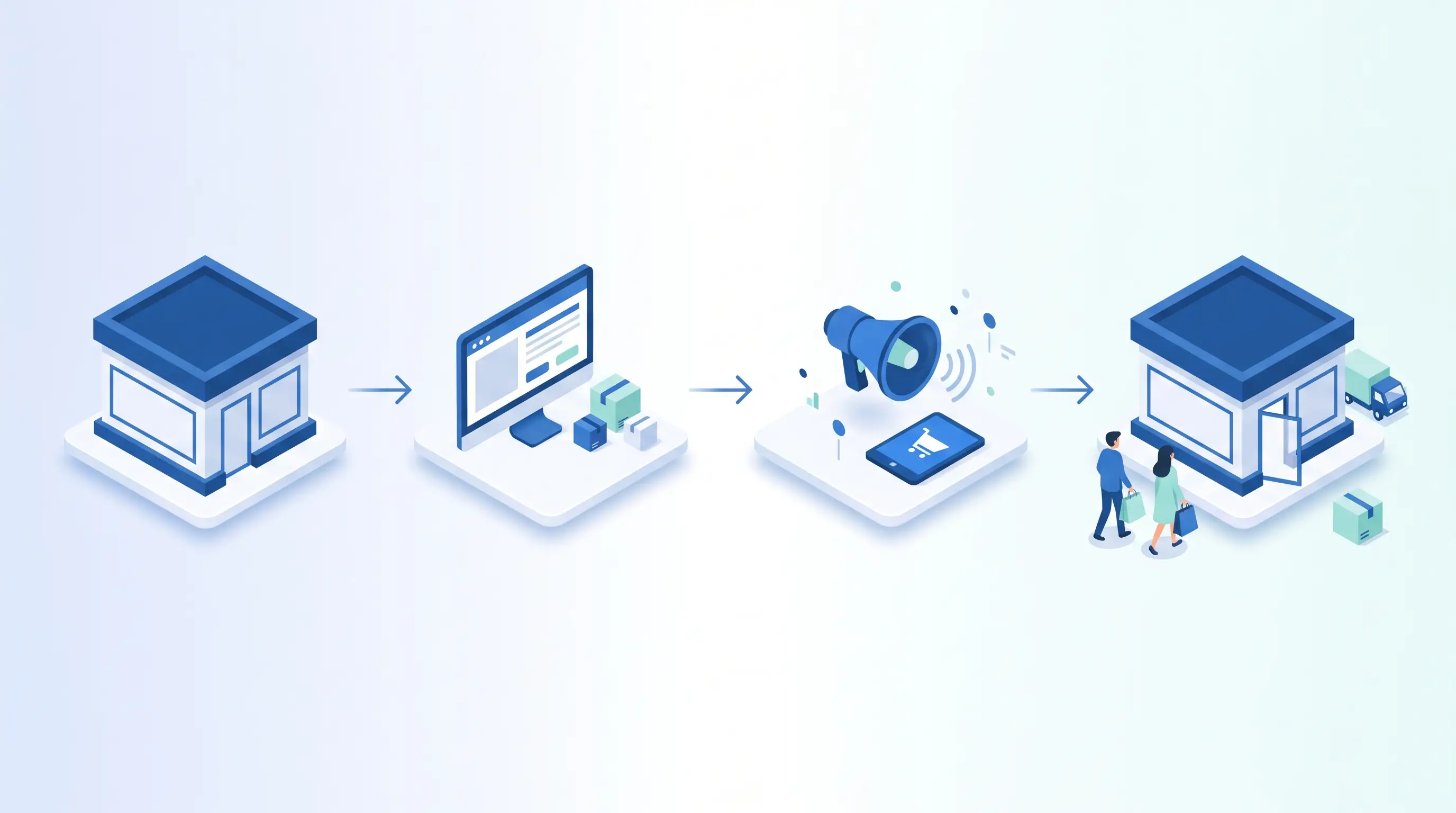
To sum up: pre-built theme and custom design are not rivals — they are different milestones on the same road. If you're just starting out, launch quickly with a pre-built theme and start accumulating data; as your sales mature, use hybrid customisation to dress your brand; when your traffic and brand have grown, a custom design investment will pay for itself through conversions. The only wrong decision is one that's out of step with where your business currently stands.
You don't have to make this decision alone. As Alis Dijital, in our Shopify store setup service, we choose the right path together based on your business stage — managing the entire process end-to-end, from pre-built theme setup to brand-specific design, tailored to Turkey's real payment, shipping, and KVKK environment. Tell us about the store you have in mind and let's clarify together which path will make you money.