
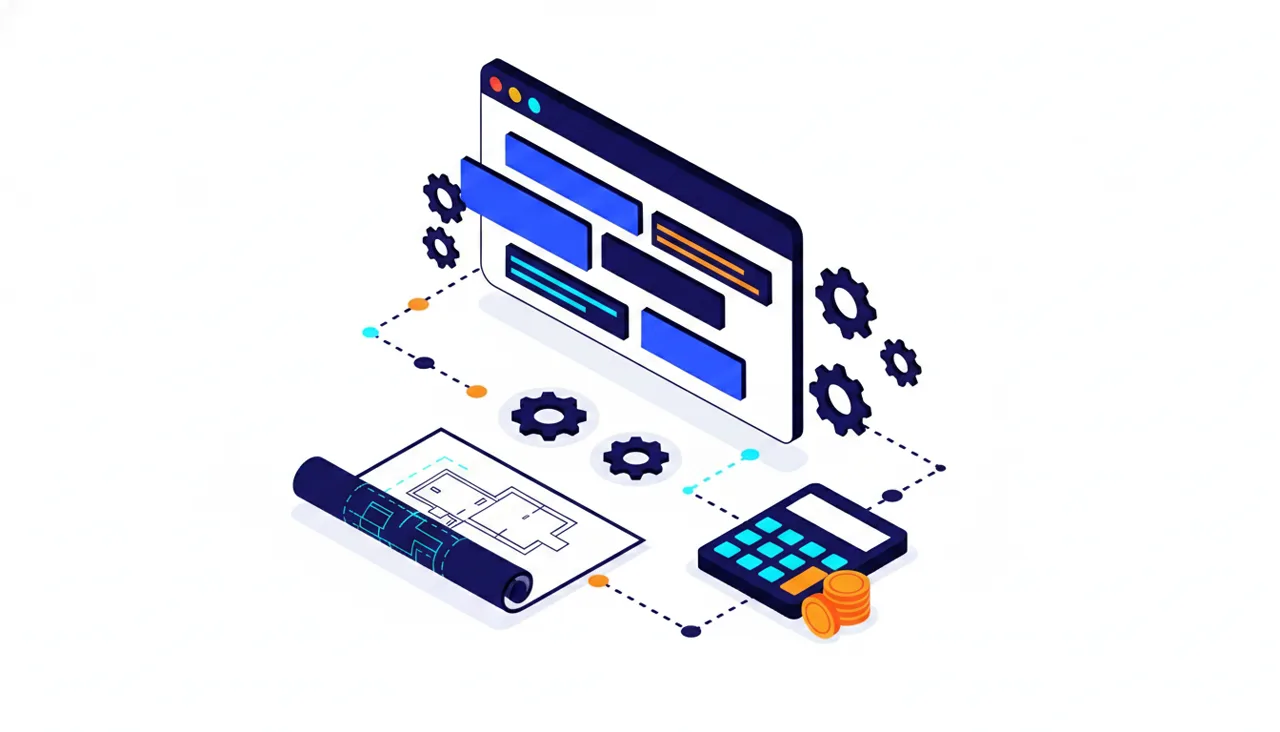
Custom software cost is determined not by a single price tag but by an equation: feature scope, screen and flow complexity, number of integrations, design depth, target platform (web, mobile, or both), security and KVKK requirements, and maintenance-support expectations all come together to produce the total figure. In the 2026 Turkish market, this equation spans a wide range — from around 100,000 TL for a small internal tool to over 1,000,000 TL for a comprehensive customer portal or mobile application. In other words, the honest answer to "how much does custom software cost?" is not a single number; it's understanding which decisions make the price go up or down.
In this guide we'll break down each component that makes up the price, compare pricing models such as fixed scope and time-and-materials, share realistic budget ranges by project type for Turkey in 2026, and list the questions you should ask when you sit down at the proposal table. Our aim is not to hand you a magic number, but to give you the ability to answer "why does this quote cost this much?" entirely on your own when a software proposal is put in front of you.
The 7 Key Factors That Determine Custom Software Cost
Two projects described in the same sentence can differ in price by a factor of ten. Two businesses both saying "I want an inventory tracking application" might mean completely different things: one wants a single warehouse, a single user, and import from Excel, while the other expects three warehouses, barcode scanner support, a Logo ERP connection, and a separate screen where dealers can enter orders. Both are "inventory tracking applications," but one represents several times more work than the other. Once you recognise the seven main factors that drive price, you'll also be able to see where the difference between quotes comes from.
1. Scope and feature count
This is the biggest line item. In software, every feature means analysis, design, coding, testing — and ongoing maintenance for life. Features also collide with each other: once you add user roles, every screen has to be revisited with the question "can this role see this, can they edit it?" A sentence said in two seconds at a meeting — "and let's have some reporting" — can add weeks to the schedule.
There's also a large gap between simple data-entry screens (add record, list, edit, delete) and features containing business logic. Maintaining a customer card is relatively straightforward; saying "automatically calculate a discount based on the dealer's revenue, payment date, and product group" is a serious engineering task that requires every rule to be specified individually and every scenario to be tested separately.
2. Screen and flow complexity
Screen count is a rough measure, but the real cost hides in the states within each flow. An order screen is not just "create order" — exceptions like cancellation, return, partial return, insufficient stock, payment failure, and shipping delay each need to be designed, coded, and tested separately. Writing the happy path is half the work; what keeps software standing in the real world is the correct handling of exceptions. At the proposal stage, "how many screens are there?" should be accompanied by "what states can occur on each screen?"
3. Integrations: payment, ERP, shipping, e-invoice, API
Corporate software in Turkey rarely operates in isolation. On the payment side, iyzico, PayTR, or bank virtual POS (payment gateway) systems; on the accounting side, ERPs like Logo, Mikro, Netsis; on the operations side, shipping carrier APIs, e-invoice integrators, marketplace connections (Trendyol, Hepsiburada), and SMS/email services all come into play. Each integration means reading documentation, setting up a test environment, managing error scenarios, and planning the go-live. When choosing a payment integration, the commission aspect needs to be factored in too; we examined this in detail in our virtual POS commission comparison article.
A rule that holds from experience: integration cost is often inversely proportional to the quality of the counterpart's documentation. An integration with a service that has weak documentation and no test environment can take several times longer than a well-documented API. This is why clarifying which systems need to be connected before requesting quotes is critical; "let it talk to our ERP" cannot be priced until it's clear which ERP and which version.
4. Design depth
For an internal tool that only your team will use, a proven, ready-made UI kit is both fast and economical. For a customer-facing product, design is the face of your brand: custom UI design, micro-animations, mobile responsiveness, and accessibility work increase the budget but pay back in trust and conversion. The shortest answer to "how much should I invest in design?" is this: who will use the software, and do they have an alternative?
5. Platform choice: web, mobile, or both
A responsive web application is the most economical starting point for most businesses — it's a single codebase, works on every device, and requires no app store approval. A native mobile app (App Store + Google Play) noticeably increases cost due to store processes, version management, and the requirements of two separate platforms. The cross-platform approach, which compiles to both stores from a single codebase, offers a middle path. If you don't have mobile-specific needs like push notifications or offline use, starting with web and leaving the mobile app for a second phase is a strategy we frequently recommend — and one that works.
6. Security and KVKK requirements
Every piece of software that processes personal data falls under KVKK — which means virtually every system in Turkey that holds customer, employee, or applicant data. Disclosure notices and explicit consent flows, data retention and deletion policies, access logs, role-based authorisation, and encryption need to be designed from the start. Requirements tighten further for projects handling sensitive data in healthcare or finance. When these layers are retrofitted after the project is built, cost multiplies; when planned from the beginning, they are a reasonable share of the total. A proposal that doesn't mention security or KVKK at all should be more worrying than its low price.
7. Maintenance, support, and warranty
Software doesn't end when it goes live; it begins to live. Browsers update, operating systems change, the bank API you're connected to moves to a new version, security patches arrive. The industry-accepted guideline is to set aside an annual maintenance budget of around 15–25% of the project cost. If there's no maintenance line item in the proposal, the price looks low at first glance; but when the first critical API change hits and there's no one to call, that turns out to be far more expensive.
Pricing Models: Fixed Scope, Time-and-Materials, Monthly Retainer
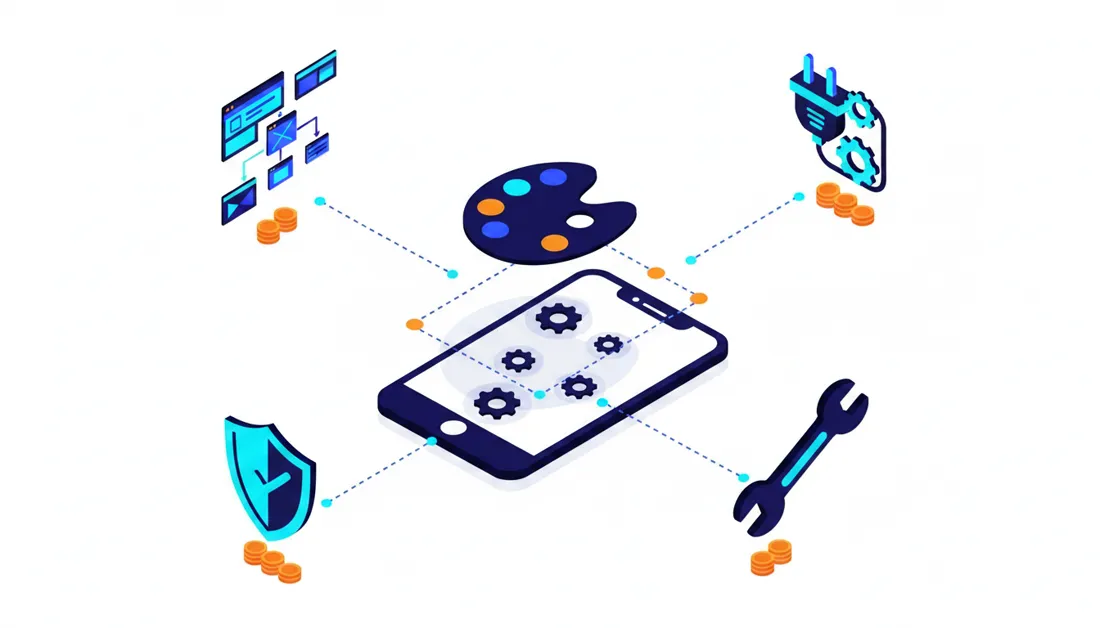
The same project can be quoted under three different pricing models, and which model is chosen determines both who carries the risk and the total cost.
| Model | How it works | Best suited for | Watch out for |
|---|---|---|---|
| Fixed scope | Scope is defined upfront; a single total price is given | Projects with a clear scope unlikely to change | Uncertainty is priced in as a premium; every change becomes a separate negotiation |
| Time-and-materials | Effort spent is invoiced at an hourly or daily rate | Product projects where scope is defined as you go | Budget discipline and regular progress reports are essential |
| Monthly retainer | A fixed monthly fee reserves ongoing development capacity | Businesses continuously developing a live product | If prioritisation isn't in your hands, capacity gets used inefficiently |
Fixed scope sounds safest but has a precondition: a genuinely clear scope document. A fixed price quoted against a vague scope either contains a heavy uncertainty premium or turns into mid-project tension over "this wasn't in scope." Time-and-materials provides flexibility but can feel open-ended without regular reporting and sprint discipline. The monthly retainer model makes sense for businesses that view software not as a one-off project but as a continuously evolving asset.
In practice, the approach we find most effective is a hybrid model: a small, fixed-price analysis and discovery phase is done first — needs, screens, and integrations are clarified — and then the defined scope is developed either at a fixed price or in phases. In our custom software projects we follow this sequence, because it minimises from the outset the most expensive risk of all: building the wrong thing.
Budget Ranges by Project Type: Turkey, 2026
Now for the most eagerly anticipated section. An important caveat first: the figures below are a compass, not a commitment. The reason the ranges are wide is the factors listed above; two projects under the same heading can fall below the lower bound or comfortably exceed the upper bound depending on scope. The figures reflect the broad ranges sectorally accepted in the 2026 Turkish market and should be read as excluding VAT.
| Project type | Example scope | Approx. 2026 budget | Typical timeline |
|---|---|---|---|
| MVP (first version web application) | Single main flow, basic admin panel, 1–2 integrations | 150,000–600,000 TL | 6–12 weeks |
| Internal tool / operations automation | Internal use by the team, ready-made UI components | 100,000–450,000 TL | 4–10 weeks |
| Customer portal / B2B order panel | Multi-role structure, account and order tracking, ERP connection | 250,000–900,000 TL | 8–16 weeks |
| E-commerce custom module / integration | Custom feature or API bridge for existing infrastructure | 80,000–400,000 TL | 3–8 weeks |
| Mobile application (iOS + Android) | Single codebase, membership, push notifications, payment | 400,000–1,500,000 TL | 12–24 weeks |
| Enterprise platform | Multi-module, multi-integration, high security | 1,000,000 TL and above | 6+ months |
To understand the logic behind these ranges, simply look at the team: on a mid-sized project, a project manager, a UI designer, one or two developers, and a QA engineer work together for weeks. Given the monthly cost of a competent software team, a proposal saying "the enterprise portal can be done for 60,000 TL" is clearly cutting corners somewhere — whether in scope, in testing, or in any genuine intent to finish the project.
The price difference between a freelancer and an agency or software house also stems from here. A skilled freelancer can be a perfectly economical choice for small, clearly scoped work; but dependence on a single person (illness, overload, communication breakdown) can become the project's biggest risk. Established firms offer continuity, process, and redundancy; it's natural for that to be reflected in price. The right question isn't "which is cheaper?" but "who can carry the risk of this project?"
If you'd like to compare custom software costs with those of a ready-made platform on the e-commerce side, our how much does it cost to launch an e-commerce site? guide paints the 2026 picture for the ready-made infrastructure side in detail; reading both together makes the decision easier.
Smart Decisions That Reduce Cost
Saving money on custom software isn't about choosing the cheapest proposal — it's about making the right scope decisions. The choices that bring the most budget relief are:
- Start with an MVP approach. A small portion of the features you have in mind typically generates the large portion of the value. In the first version, solve one core problem end to end; prioritise everything else based on real user feedback. This both shrinks the budget and reduces the risk of paying for features that will never be used.
- Use ready-made components and services. Ready-made libraries for payments (iyzico or PayTR), proven solutions for authentication, ready UI kits for admin panels... Having every line written from scratch is both costly and unnecessary; custom code should be spent on the core functionality that differentiates you from competitors.
- Consider the hybrid model in e-commerce. A ready-made platform for the store itself, a custom module for your specific need — for most businesses this is the most efficient equation. If you're still deciding on infrastructure, our ikas vs. Shopify? comparison is worth a look.
- Phase the project. Breaking it into Phase 1–2–3 both eases cash flow and gives you the chance to course-correct at the end of each phase. When Phase 1 goes live and starts generating value, the budget for Phase 2 often finances itself.
- Invest in an analysis document. Even a one-to-two-page clear requirements list significantly improves the accuracy of the proposals you receive. Scope clarity reduces the uncertainty premium that firms build into their prices.
- Start with a single platform. Validate demand with web first; add the mobile app based on proven need.
At this point, it's also worth asking a more fundamental question honestly: do you really need custom software, or would a ready-made solution do the job? We addressed this comparison in detail in our Template site vs. custom software? article; we recommend reading it before committing a serious budget.
Hidden Costs: Line Items Most Proposals Don't Show
The project fee is only one part of the total cost of ownership. When planning your budget, make room for these items from the start:
- Server and hosting: A monthly expense that grows with users and data. It stays symbolic for small projects and becomes a significant line item for high-traffic systems.
- Domain, SSL, and CDN: Small individually but worth accounting for in the annual total.
- Third-party service fees: SMS packages, map APIs, e-invoice integrator subscriptions, payment commissions. Even if the software is yours, some services inside it charge per use.
- Maintenance and updates: We explained the 15–25% annual guideline above; this is the most frequently forgotten line in budgets.
- Scope changes: "What if we added this" requests will definitely come after go-live — and that's actually a good sign, showing the software is genuinely being used. What matters is that how these requests are priced is defined in the contract from the start.
- Training and onboarding: Your team needs training and solid documentation to use the system effectively; without them, the software sits idle and gets written off as "didn't work."
- KVKK compliance processes: Disclosure notices, VERBİS registration if required, and legal consultancy are items that need to be planned outside the software cost.
There's also an invisible but ever-present cost: performance. A slow application is a direct revenue loss in a customer-facing scenario — it affects both user experience and Google visibility. We explained this relationship in detail in our Core Web Vitals guide; performance targets coming up unprompted in a proposal discussion is one of the signs of a mature team.
The most common budget mistake we see with our clients is allocating all the money to development and leaving zero for maintenance, hosting, and training. A rough rule for the first year: add 20–30% operating allowance on top of the project cost. If it's more than needed, it becomes capital for Phase 2; if it's not enough, you'll be having a difficult conversation mid-project.
The Development Process: Where Does Your Money Go at Each Stage?

Seeing where the number in the proposal is spent makes it easier to evaluate a price. In a typical project, the budget breaks down roughly as follows; these are not exact percentages but trends observed across the industry:
- Analysis and discovery (10–15%): Clarifying requirements, mapping flows, technical architecture decisions. The smallest-looking item in the budget — but the stage at which the project's accuracy is determined.
- UI design (15–20%): Designing the screens, clickable prototype, approval rounds.
- Development (40–50%): The coding itself; including integrations, the largest single slice.
- Testing (10–15%): Functional testing, bug fixing, cross-device and cross-browser checks, basic security checks.
- Go-live and stabilisation (5–10%): Deployment, data migration, close monitoring in the first weeks.
The critical lesson here is this: the most expensive saving is the one made in analysis. Discovering a missed requirement after development is complete means repeating part of the work. Across the projects we manage, the common thread in cases that exceeded budget is almost never "code was written slowly" — it's "scope wasn't clear from the start."
10 Questions to Ask When Evaluating a Proposal
When you have two or three proposals in front of you, comparing only the bottom-line number is misleading. The answers to these questions reveal the real value of each proposal:
- Is source code and intellectual property transferred to us at delivery?
- What scope is included in the price? Will we receive a written scope document?
- How are scope changes priced; is a per-hour or per-day rate defined?
- How does the testing process work; which checks are carried out before delivery?
- How long is the bug-fix (warranty) period after go-live?
- What is the scope and annual cost of the maintenance agreement?
- Whose account will the server be on; are access credentials and backups held by us?
- What similar-scale projects have you completed; can we speak with a reference?
- Who will actually work on the project; will the work be handed off to a third-party team?
- If we part ways, how does the handover work; is documentation and code repository access delivered?
Questions 1, 7, and 10 in particular protect you from the worst scenario: vendor lock-in. Software whose source code lives at the vendor, runs on the vendor's server, and has no documentation gives you zero negotiating power regardless of how attractive the price was. Apply the same scrutiny to proposals noticeably below market rate: handing a half-finished project over to another team to complete almost always costs more than having it done correctly by the right team from the start.
The Right Budget, the Right Expectations: Where to Begin
To wrap up: "How much does custom software cost?" is really a scope question. What determines your budget is not a software firm's price list — it's which problem you want to solve, at what depth, with which integrations, and on which platform. That's why your first step shouldn't be collecting proposals but writing a one-page requirements list: who is the software for, what job will it do, which systems will it talk to, what are the must-haves, and what belongs in the "nice to have" category? With this list in hand, the proposals you receive will be both more accurate and more comparable.
If you want to clarify your needs and see a realistic budget range, our free analysis wizard walks through your requirements step by step and delivers a personalised assessment in a few minutes.
As Alis Dijital, we run our custom software and website projects in exactly the sequence described in this article: analysis first, then a clear scope, phased development, and regular maintenance after go-live. We're happy to discuss your project regardless of its size; sometimes the most valuable outcome of an initial conversation is hearing "you don't need custom software for this — an existing solution will do the job."

