What is a business email, why do you need one, and how do you get one on your own domain (info@yourbrand.com)? We explain domain selection, email providers, and setup steps for businesses.
Imagine you request a quote from a business and the reply comes from an address like "johntrading1985@gmail.com." Whether you realize it or not, your trust in that brand is shaken somewhat. In contrast, a reply from "info@yourbrand.com" conveys a sense of professionalism and credibility in the very first second. The difference between a business email and an ordinary one is a subtle but powerful signal that often affects whether a customer decides to do business with you.
A business email isn't just a matter of image; it's also a critical infrastructure for brand security, institutional memory, and team management. In this guide, we explain what a business email is, why you need one, and how to get one on your own domain, step by step.
What Is a Business Email?
A business email is an email address that carries your company's own domain name, instead of a free provider's extension (like gmail.com or hotmail.com). In other words, these are addresses ending in "@yourbrand.com": info@yourbrand.com, sales@yourbrand.com, john@yourbrand.com, and so on. These addresses are a natural extension of your brand's digital identity and represent your brand in every email you send.
Technically, a business email runs on an email service tied to your domain. So you first need a domain, and then an email service connected to that domain.
Why Do You Need a Business Email?
- Trust and professionalism: Emails sent from your own domain make your brand look serious and credible; this affects conversion especially in B2B and e-commerce.
- Brand consistency: When your website, your Google Business Profile, and your email all carry the same domain, a cohesive corporate identity emerges.
- Institutional memory and control: When an employee leaves, you can take over their address and the correspondence within it; the data belongs to the company, not the individual.
- Security: Business email services offer security layers such as spam filtering, authentication (SPF, DKIM, DMARC), and authorization.
How Do You Get a Business Email? (Step by Step)
Setting up a business email consists of three main steps:
- Get a domain name: Choosing a memorable domain name that suits your brand is the first step. Preferably .com, with the option of adding a local extension for regional credibility. Is your domain available? Check it instantly with the tool below.
- Choose an email provider: Determine which option fits your needs among professional services like Google Workspace and Microsoft 365, or the email packages from your hosting provider.
- Configure the DNS records: Set up your domain's routing (MX) records according to the email service you chose. This step is critical for emails to reach the correct server and requires technical knowledge.
The Relationship Between Domain and Email
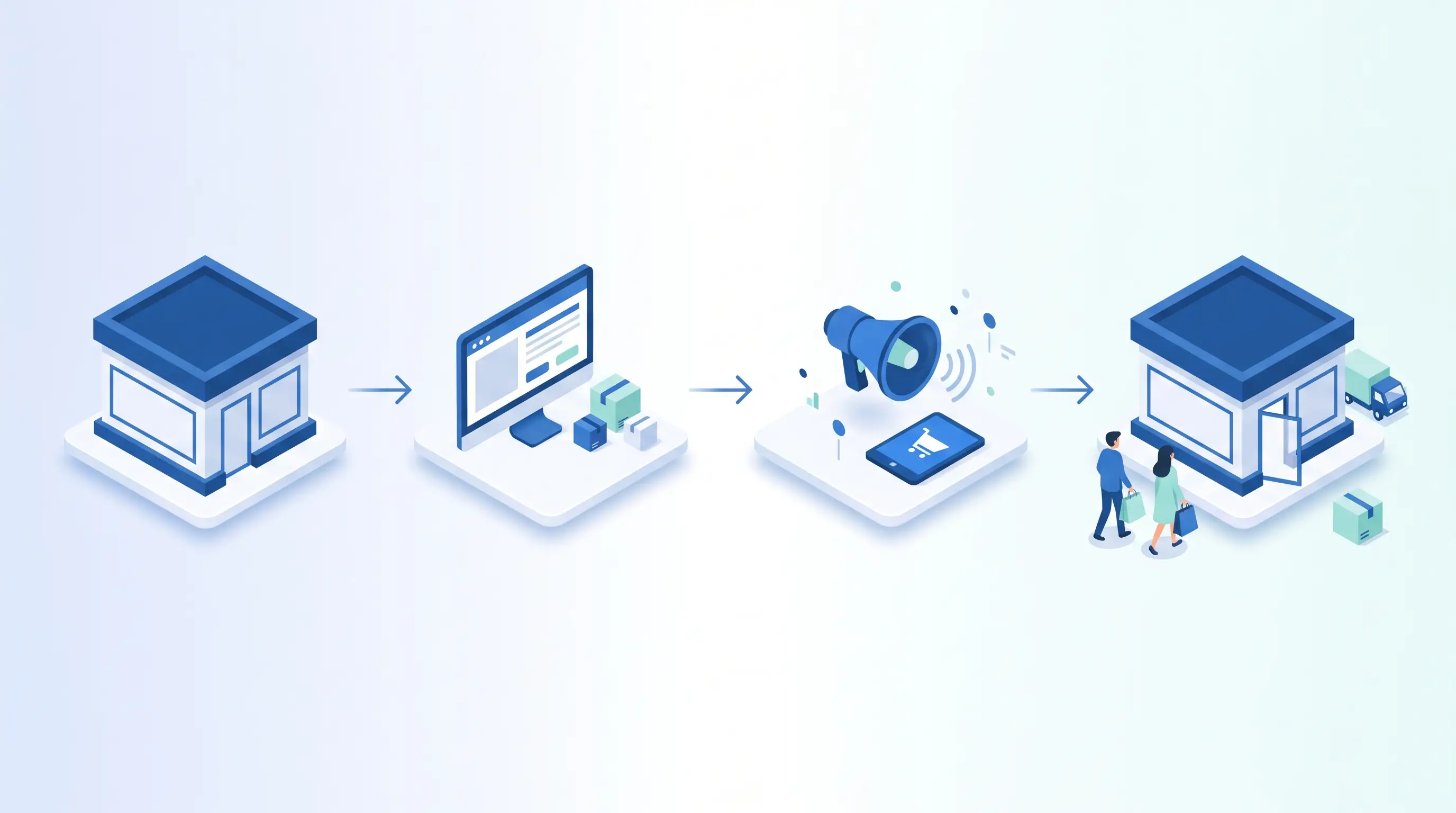
The foundation of a business email is the domain; that's why if you don't yet have a website or domain, it's best to plan the two together. A domain is the digital address of your website, your email, and your brand. If you're starting e-commerce from scratch, our guide on launching an e-commerce site helps you build all the fundamentals, from the domain to the infrastructure. If your brand's .com is taken, you can use the domain lookup tool above to choose the right alternative extension.
Common Mistakes
The most common mistakes are: continuing to operate with a free email and postponing going professional, choosing the domain name carelessly, misconfiguring DNS records and causing emails to land in spam, and neglecting the authentication records (SPF, DKIM, DMARC). If these records are missing, the emails you send may land in the recipient's junk folder.
SPF, DKIM, and DMARC: Your Email's ID Card
The most overlooked but most critical part of a business email is the authentication records. These three records prove that the emails you send genuinely come from your domain, both raising your deliverability rate and blocking phishing attempts that impersonate your brand. SPF defines which servers are allowed to send email on behalf of your domain. DKIM adds a digital signature to each email, verifying that the content wasn't altered in transit. DMARC determines what to do with emails that fail SPF and DKIM verification (reject, quarantine) and provides you with reports. If these records are missing, the quote or invoice emails you send will most likely land in the spam folder; when set up correctly, both deliverability and brand security increase significantly.
How to Set Up the Right Email Address Structure
A business email isn't just a single address; it's a consistent system of addresses that reflects your brand. In a good structure, role-based addresses (info@, sales@, support@, accounting@) and personal addresses (first.last@) coexist. Role-based addresses ensure institutional continuity; even if an employee leaves, the "sales@" address and the correspondence within it stay with the company. With aliases, you can route multiple addresses to a single inbox without opening a separate mailbox. Groups (for example, "team@") let an email sent to one address reach multiple people. Planning this structure from the start prevents chaos as your business grows.
Google Workspace or Microsoft 365?
The choice between the two big options depends on your working habits. Google Workspace is practical especially for web-based teams and e-commerce businesses, with Gmail's familiar interface, powerful search, real-time collaborative document editing (Docs, Sheets), and a clean admin panel. Microsoft 365 is strong for organizations already accustomed to the Office ecosystem and tied to desktop applications, with Outlook, desktop Office apps (Word, Excel), and enterprise-grade advanced management features. Both are priced per user per month; storage space, security features, and the apps you need are the most decisive criteria when deciding. For a small business, a hosting provider's email package can also be an economical start; however, as you grow, switching to professional services is usually inevitable.
A Smooth Migration from Existing Emails
If you're already using a free address, the biggest concern in switching to a business email is losing old correspondence and contacts. In a well-planned migration process, old emails, calendar, and contacts are transferred to the new account, so no data is lost. Using both addresses in parallel for a certain period during the transition, forwarding emails coming to the old address to the new one, and announcing your new address to customers ensures a seamless transfer. Managing this technical process correctly is the key to going professional without interrupting your business continuity.
Professional Email Signature and Communication Cohesion
The final touch that completes the impact of a business email is a professional email signature. A good signature presents your name and title, company name, logo, phone, website, and social media links in a tidy way. This turns every email you send into a small brand touchpoint. The web and contact information in your signature should be exactly consistent with the details on your Google Business Profile; this consistency both strengthens the sense of professionalism and reinforces your brand's digital cohesion. When domain, email, website, and business profile unite around the same identity, a strong and trustworthy brand perception forms in the customer's eyes.
Email Security and Backup
A business email is a channel through which your company's most critical data (correspondence, quotes, contracts) flows; that's why its security can't be neglected. At the top of the basic precautions is two-factor authentication; it blocks account access even if the password is stolen and is practically mandatory today. Using strong, unique passwords along with a password manager raises security across the team. Phishing awareness is critical: employees recognizing fake emails prevents the most common data breaches. Additionally, professional email services offer automatic backup and archiving; in case an email is accidentally deleted or an account is taken over, access to the data is preserved. Setting up these security layers from the start, for institutional continuity, prevents serious losses that could occur later.
Email Management as Your Team Grows
As your business grows, your email needs change too; you move from managing a single mailbox to a multi-user system. At this stage, opening new users through an admin panel, taking over or suspending departing employees' accounts, and creating department-based groups come into play. Shared inboxes (for example, a "support@" mailbox the support team accesses together) ensure that none of the incoming requests slip through the cracks. Defining access permissions on a role basis and clarifying who can access sensitive correspondence preserve both security and order. Setting up this structure in a scalable way is the key to avoiding email chaos as your team grows. Planning your domain, email, and web infrastructure together from the very beginning makes this growth seamless.
From Business Email to Email Marketing
A business email isn't just a communication tool; it's also the foundation of one of the most profitable marketing channels: email marketing. When you send from your own domain, sending newsletters, campaigns, and order notifications to your customers is both more professional and stronger in terms of deliverability. Properly configured authentication records (SPF, DKIM, DMARC) ensure your marketing emails reach the inbox rather than spam; without these records, even the most beautiful campaign you send can be deleted unseen. Considering this marketing dimension while setting up your business email infrastructure saves you the trouble of a separate migration later. Nurturing the customer data you collect (for example, opt-in registrations from forms on your e-commerce site) with regular, valuable content sent from your brand's domain is one of the most sustainable ways to build a loyal customer base. In other words, a business email, when set up correctly, is both a communication and a growth infrastructure.
Institutional Infrastructure with Alis Digital
From domain selection to email setup, and from DNS configuration to integration with your website, building your institutional digital infrastructure from start to finish requires technical knowledge. At Alis Digital, we set up your brand's domain, email, and website from a single source so they work seamlessly. Get in touch with us for a free consultation and make your brand look professional from the very first contact.